Computer Engineering Student | VNU University
A personal showcase of my experience leading coordination, documentation, and team organization in a collaborative Todo App project using modern online collaboration tools.

This portfolio documents my personal experience participating in a small group project to build a functional Todo List web application. The project was a collaborative effort between three team members working remotely using online tools.
Through this project, I focused on developing skills in digital organization, workflow coordination, and effective team communication using modern collaboration platforms.
While teammates focused on coding and testing, I specialized in keeping everything organized and running smoothly.
Managed the overall workflow, organized tasks, monitored progress, and ensured clear communication across all team members.
Created and maintained project documentation, kept records of progress, and wrote the final project report.
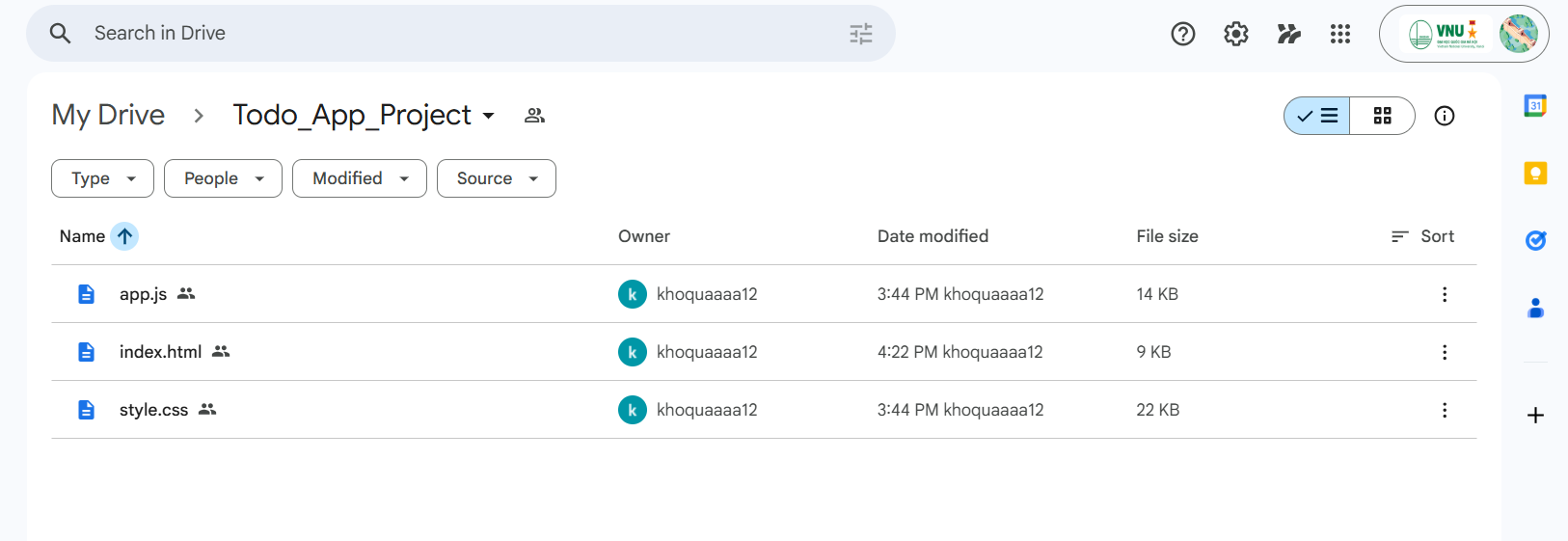
Organized shared files, maintained the Google Drive folder structure, and ensured version consistency.
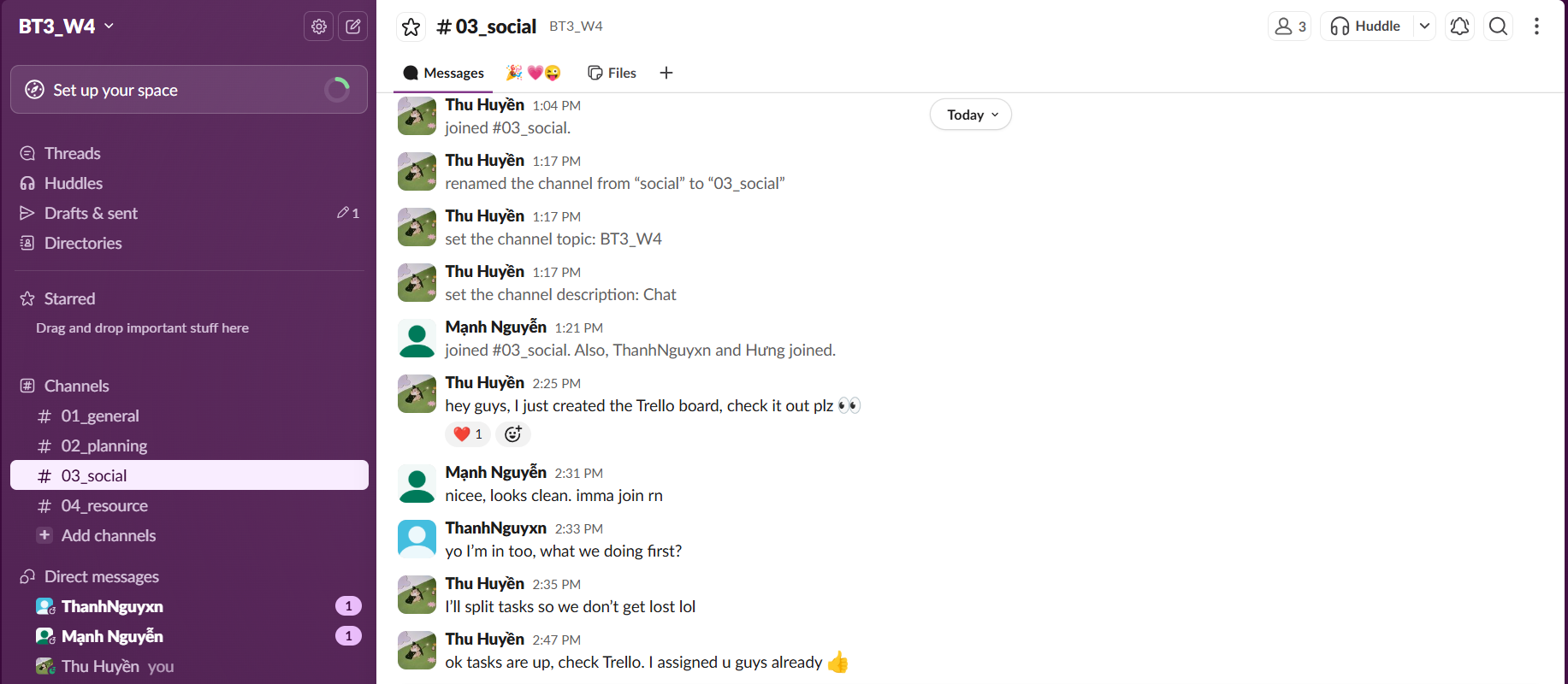
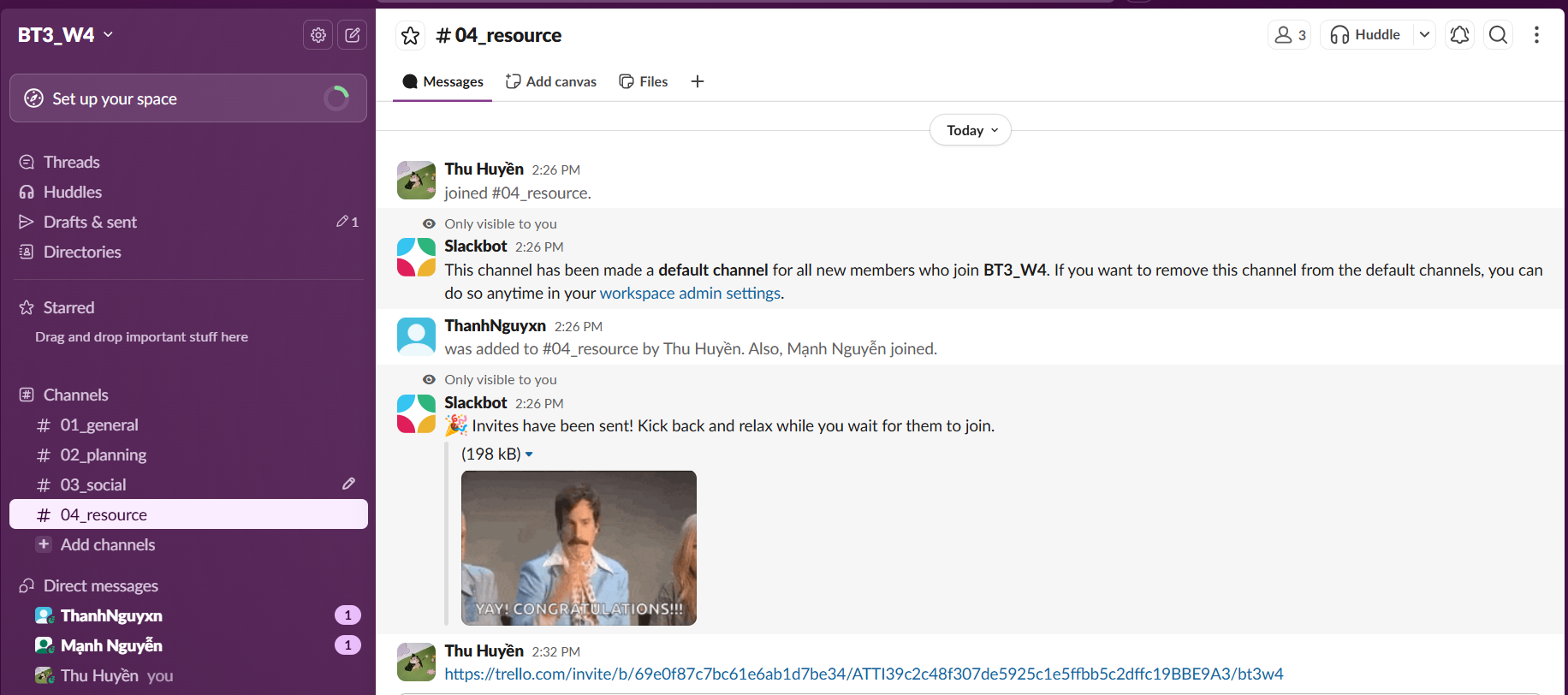
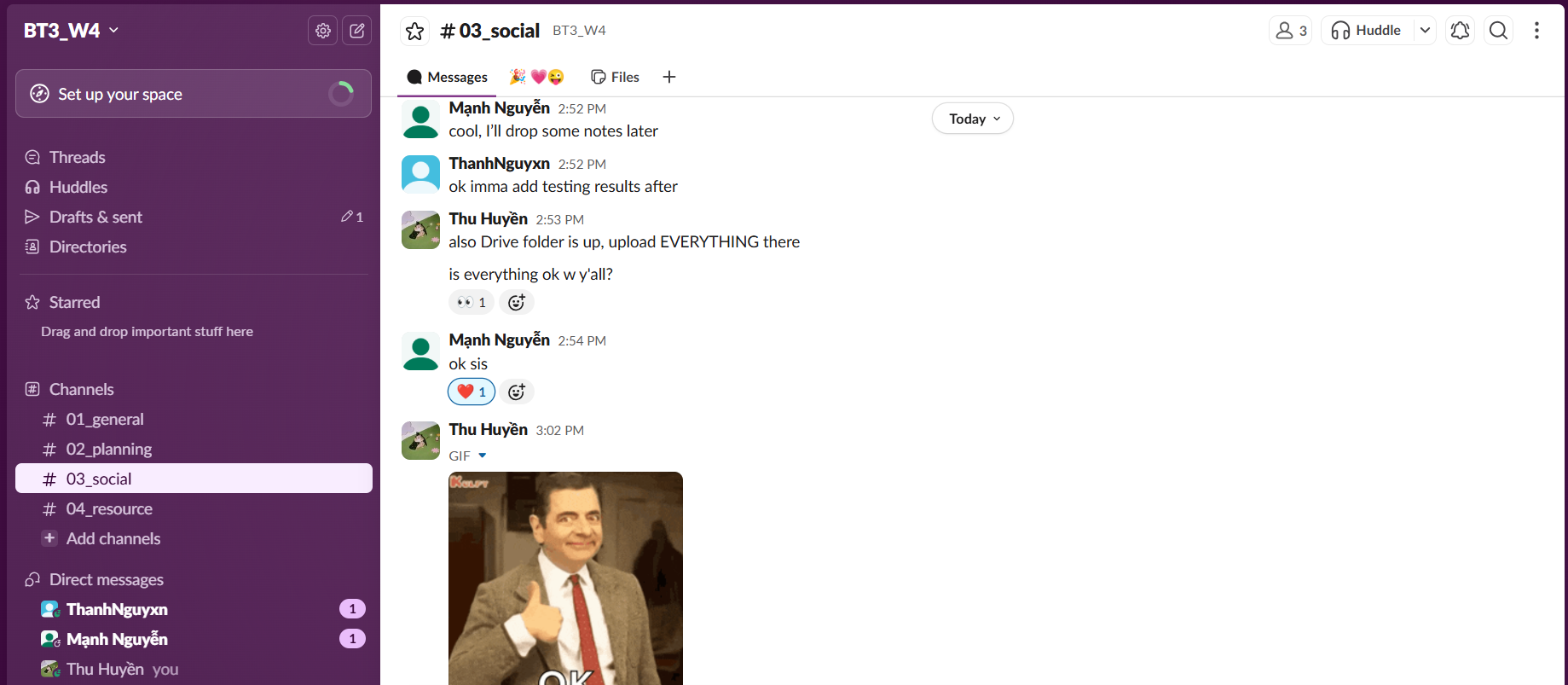
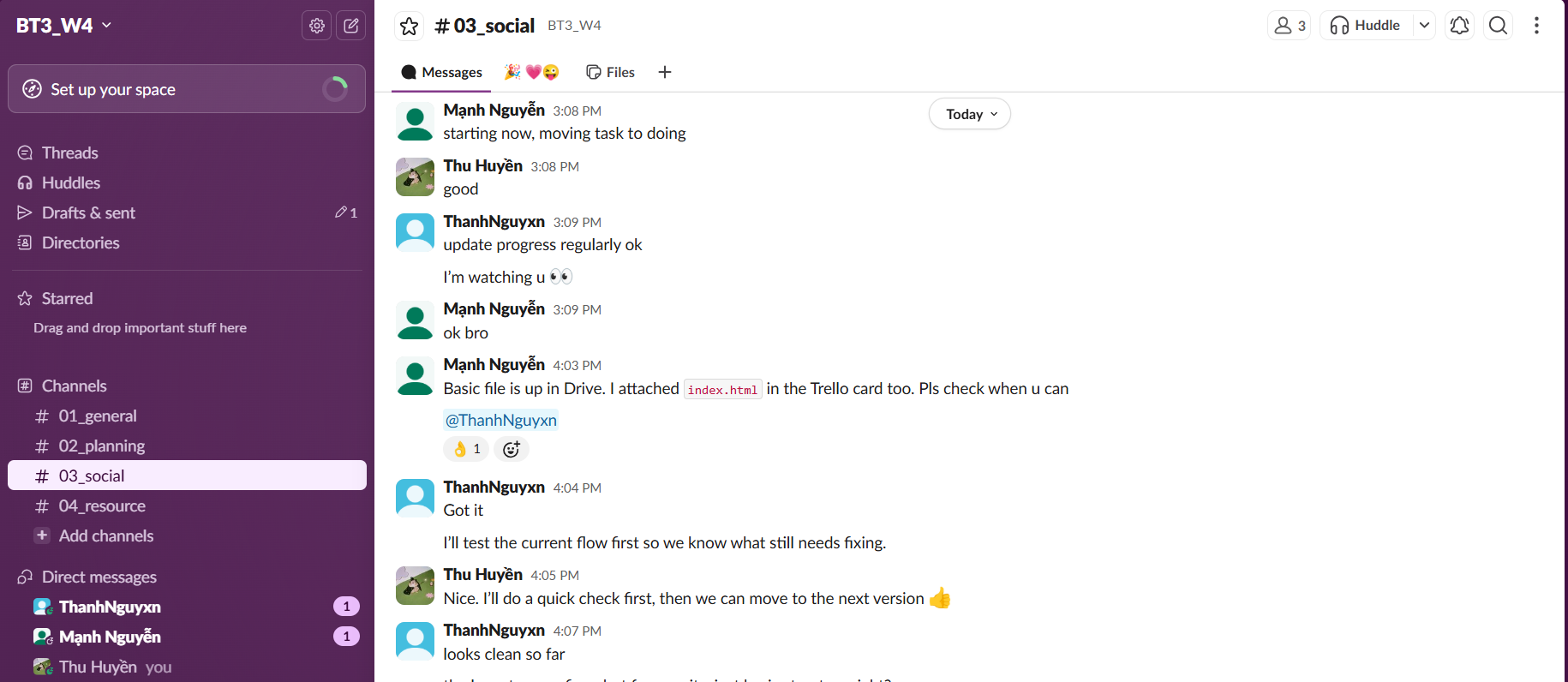
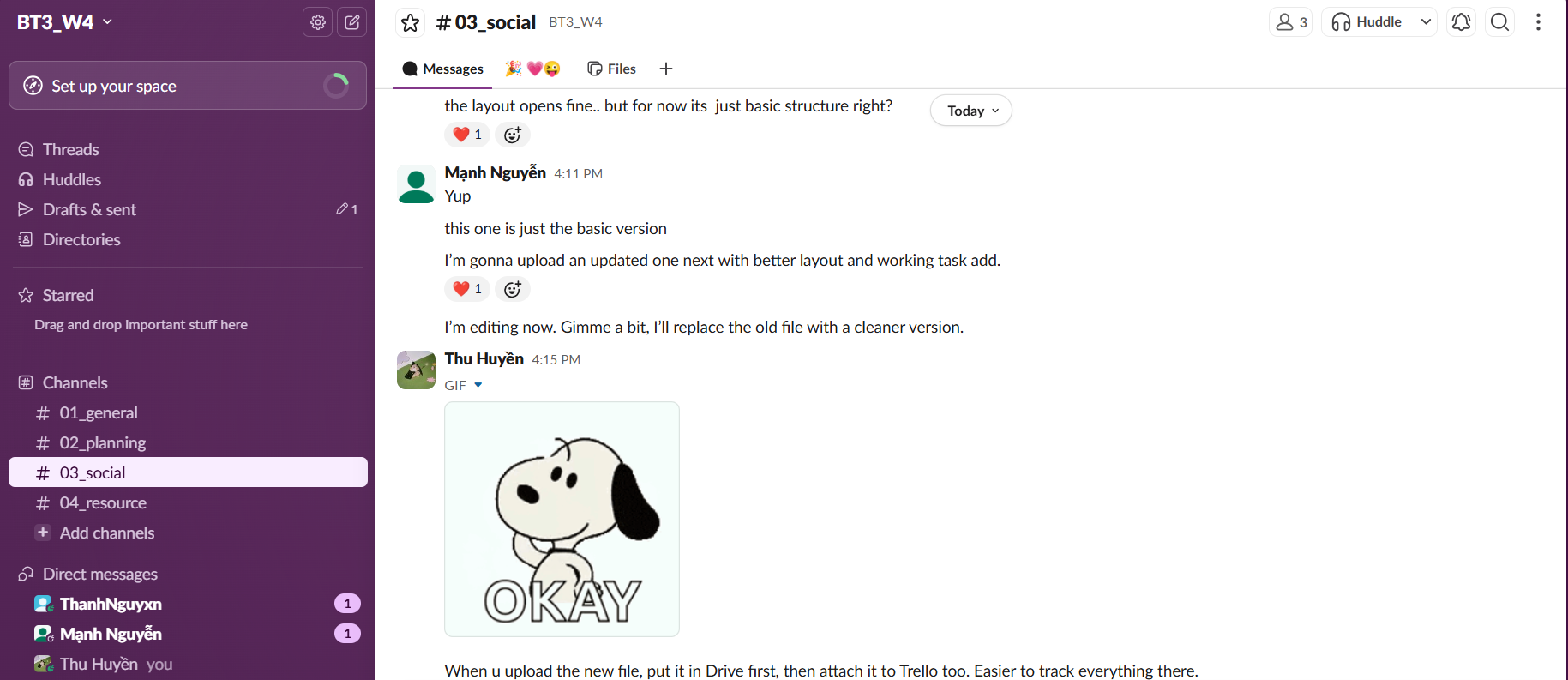
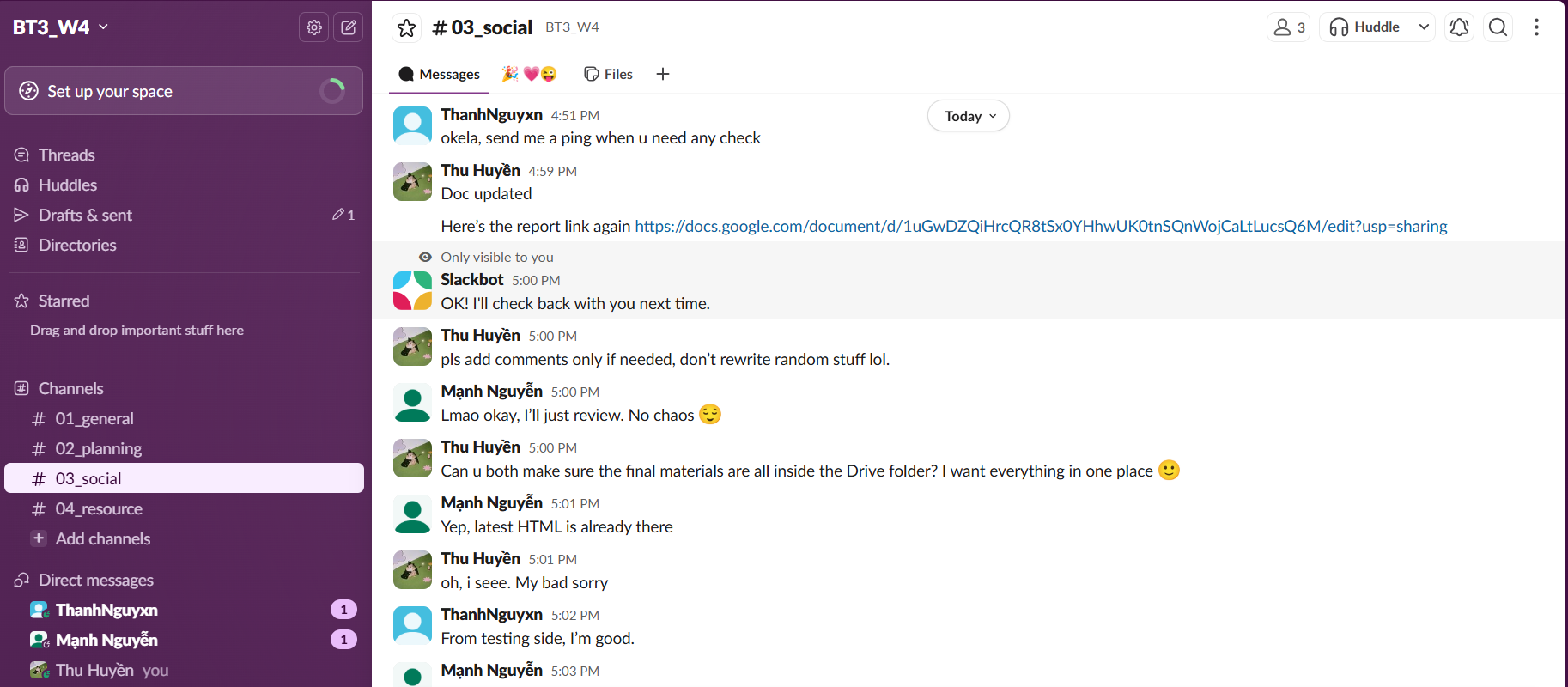
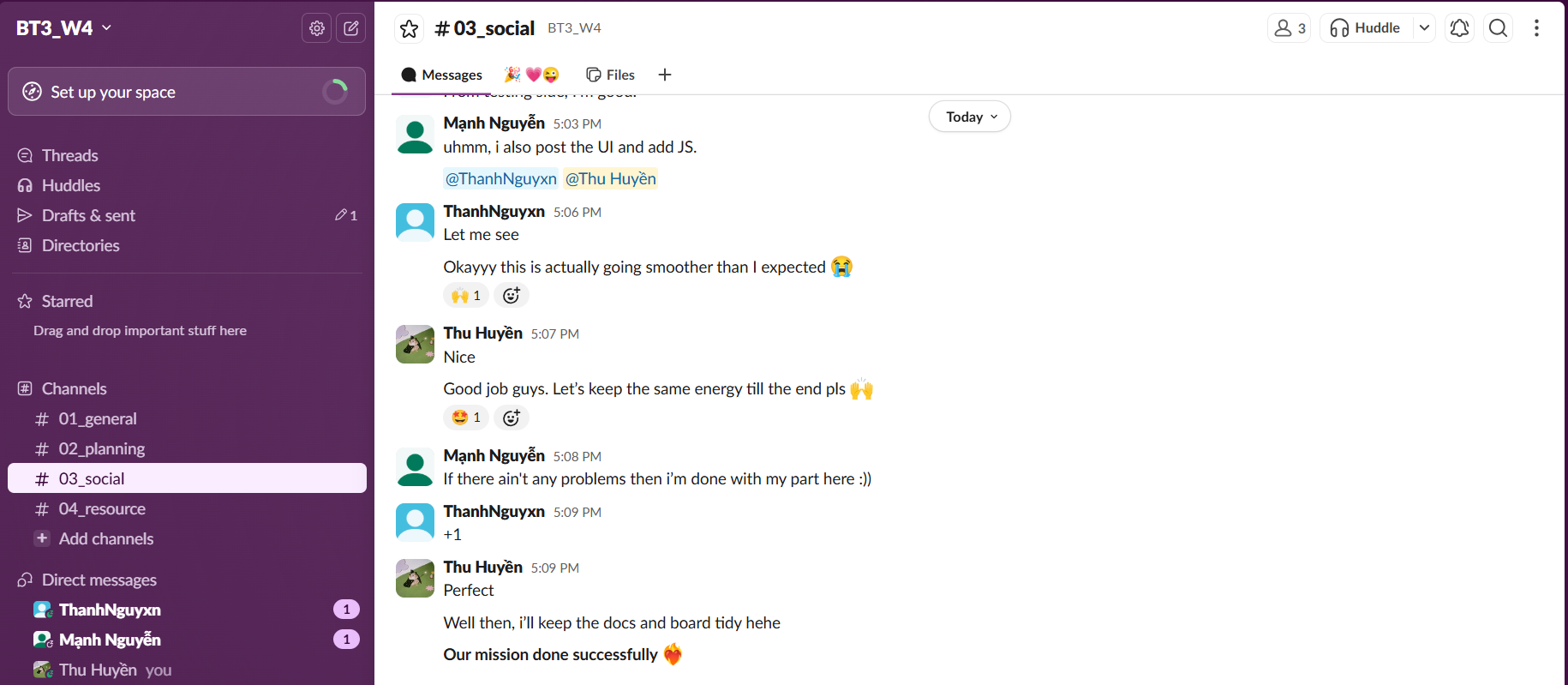
Stayed active on Slack, followed team updates, and ensured everyone was informed of progress and changes.
Four essential tools that helped our team collaborate effectively. Click to view our project board.
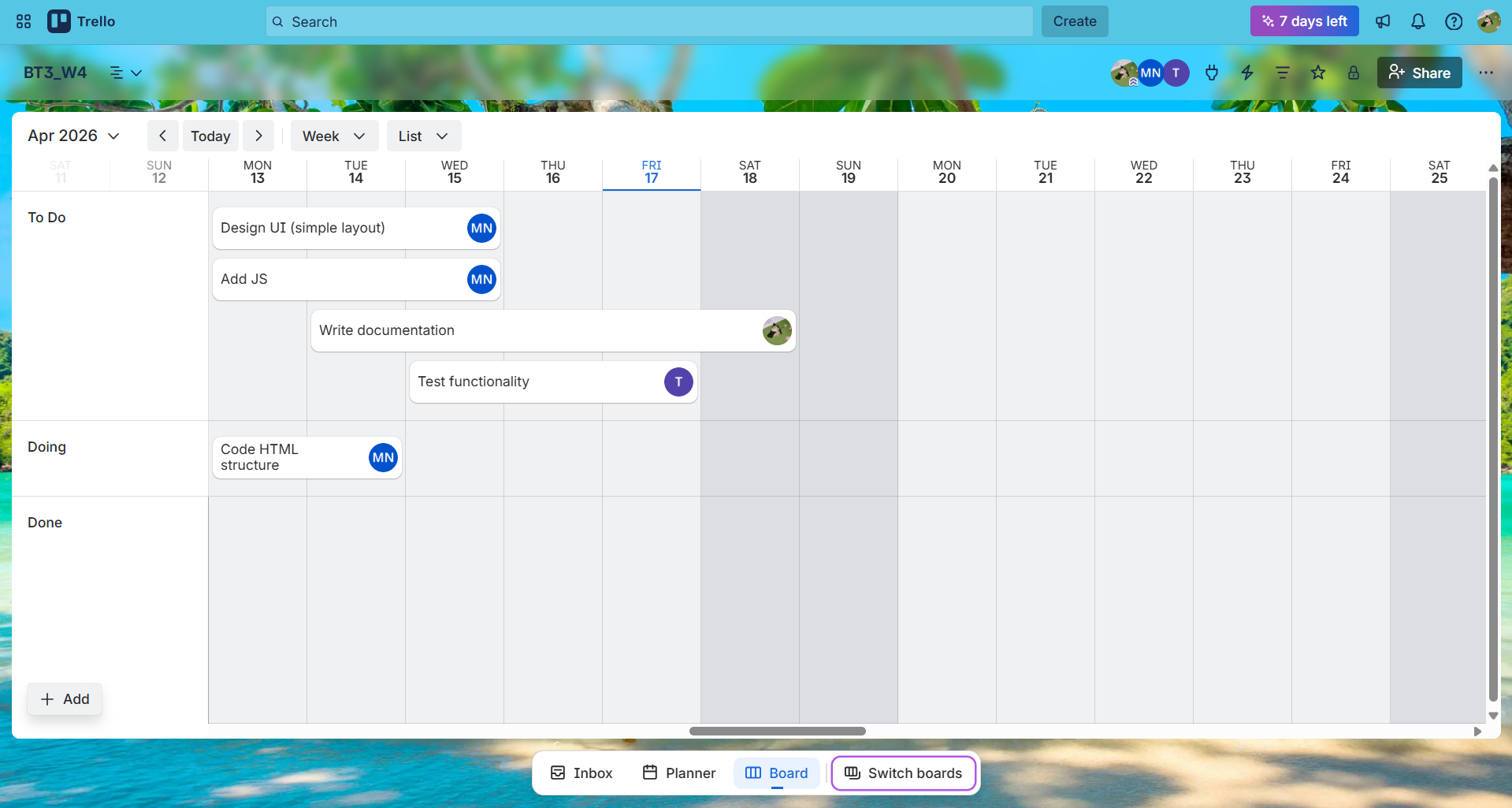
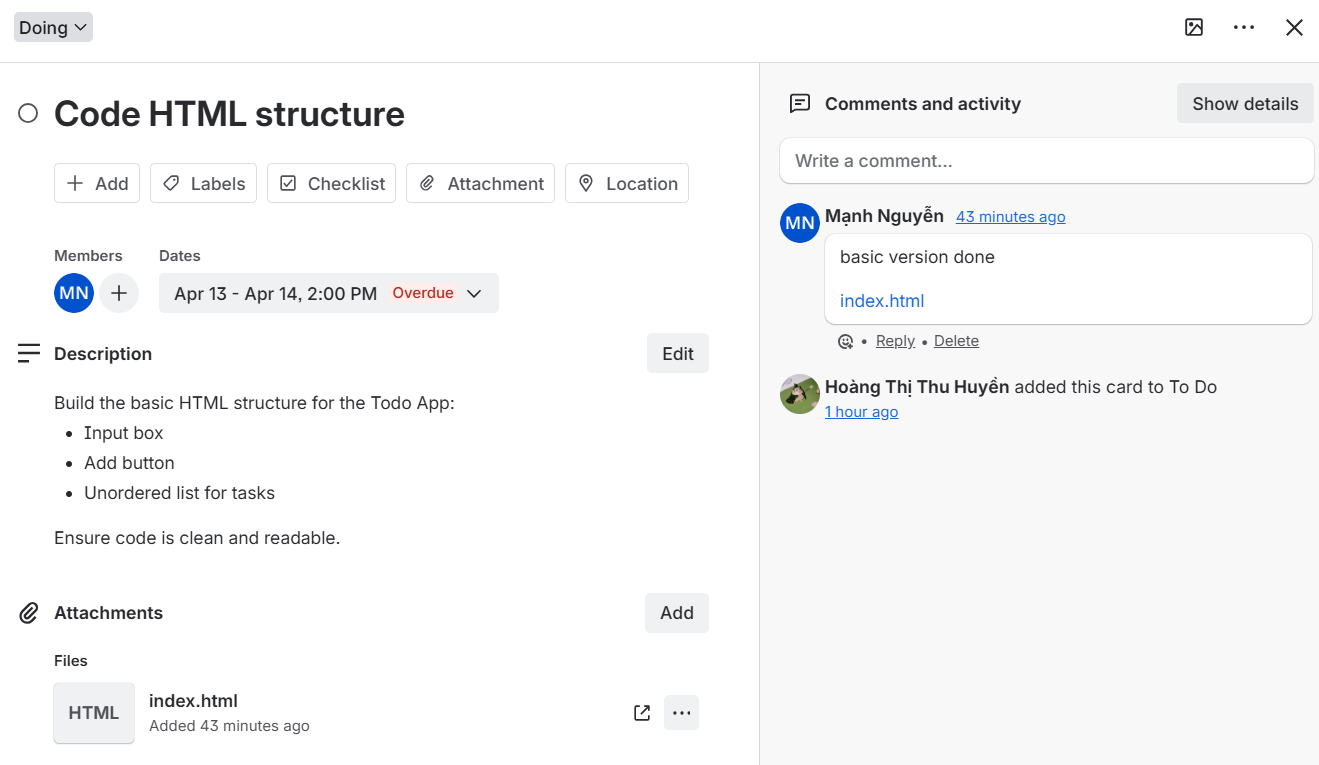
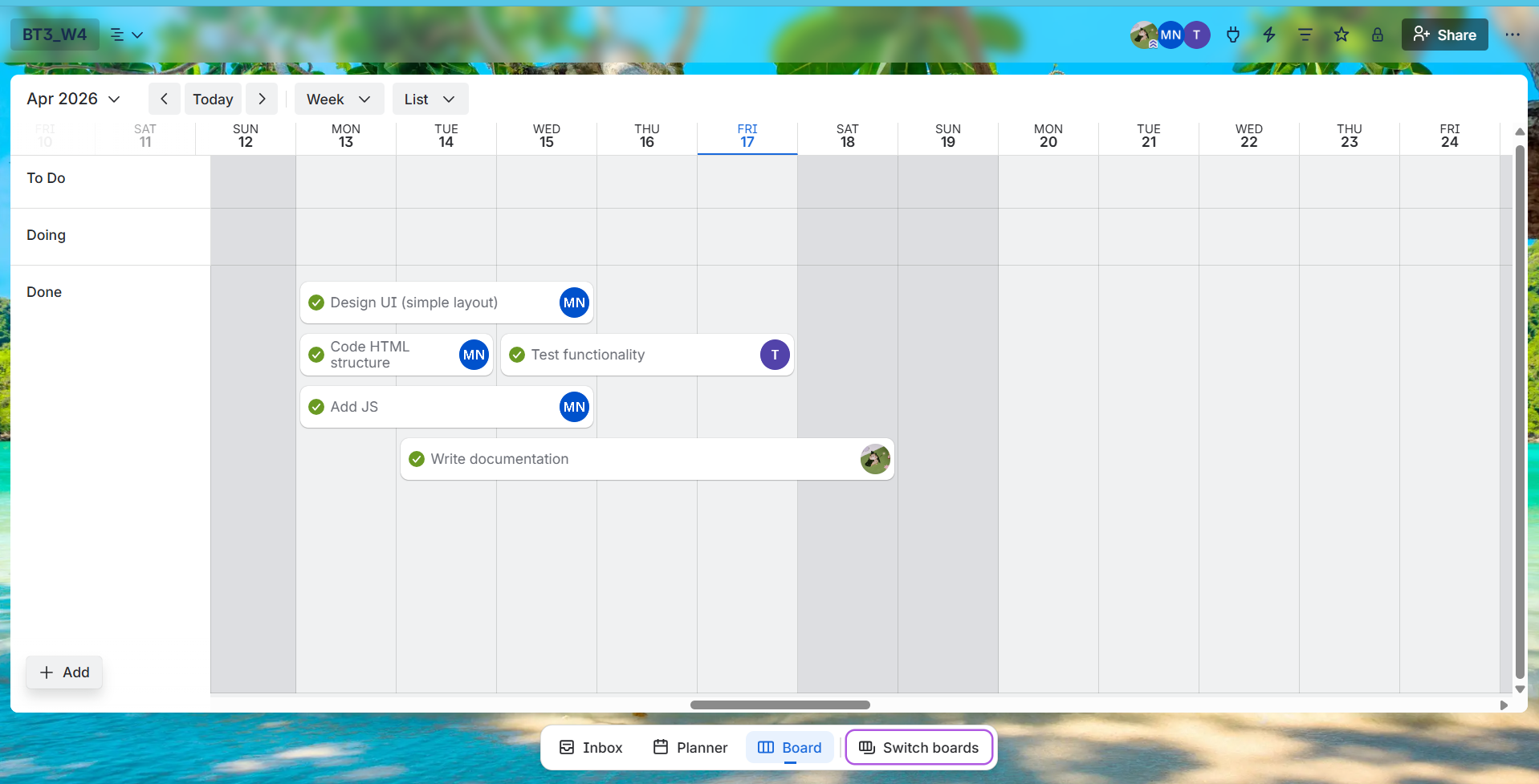
Task management and progress tracking. I used it to organize workflow and monitor project status.
View Board โFile storage and sharing. Central hub for all project files and versions.
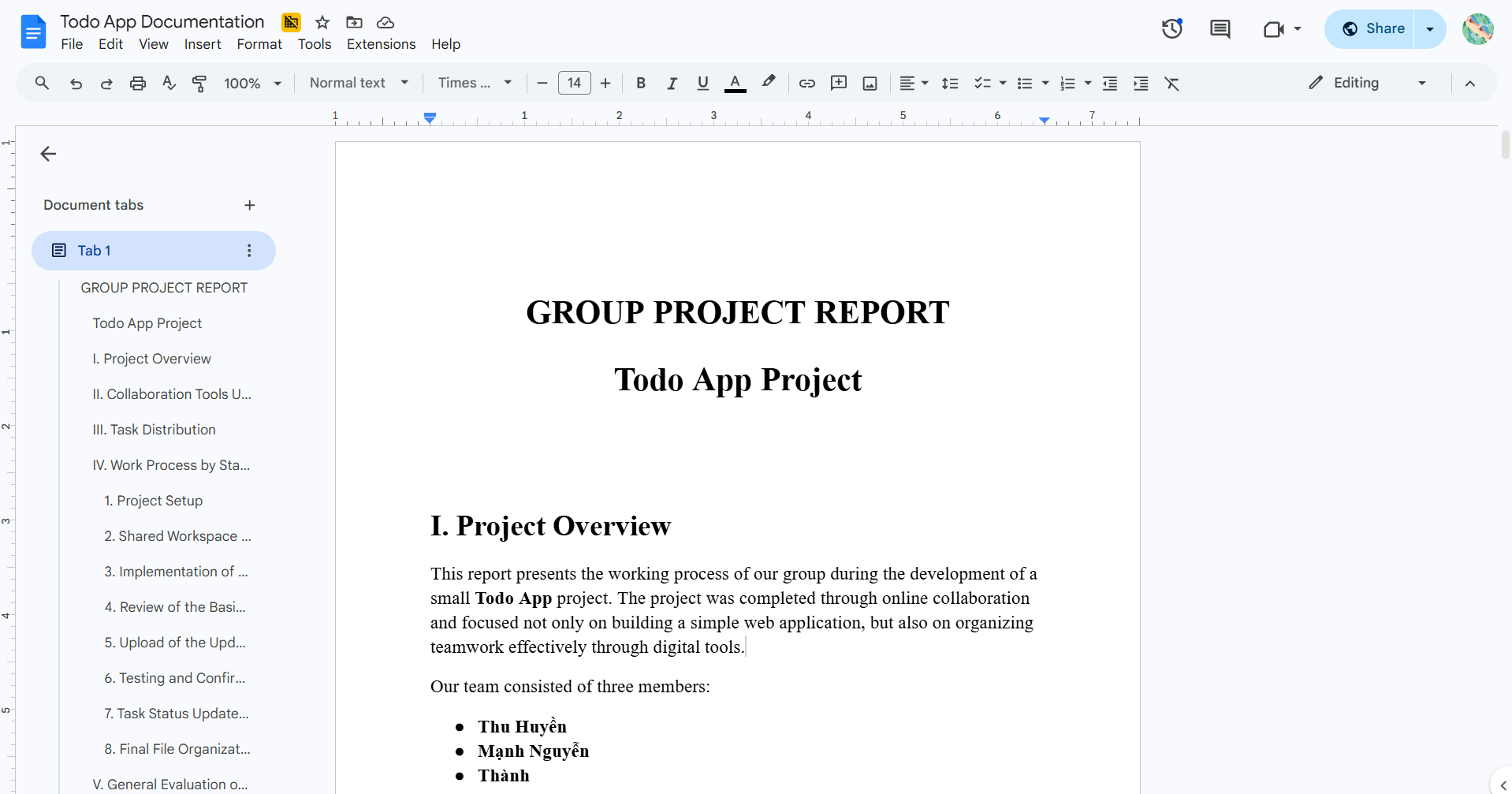
View Files โCollaborative documentation. My primary tool for writing and updating project reports.
DocumentationTeam communication. Our main channel for updates, questions, and notifications.
CommunicationExperience the final project output โ a fully functional Todo List application.
This is the final version of our Todo App, developed collaboratively by Team Todo App.
A timeline of our project stages, focusing on my personal contributions.
The team started planning the Todo App project. I helped organize the initial workflow and set up our collaboration tools.
My contribution: Created the Trello board structure and set up the Slack channel for team communication.
We divided responsibilities clearly: Mแบกnh handled HTML structure, Thร nh handled testing, and I focused on coordination.
My contribution: Created tasks on Trello with clear assignees and descriptions. Started the Google Docs report file.
Set up the shared workspace with organized folders and documents accessible to all team members.
My contribution: Created and organized the Google Drive folder, set up shared Google Docs with proper access permissions.
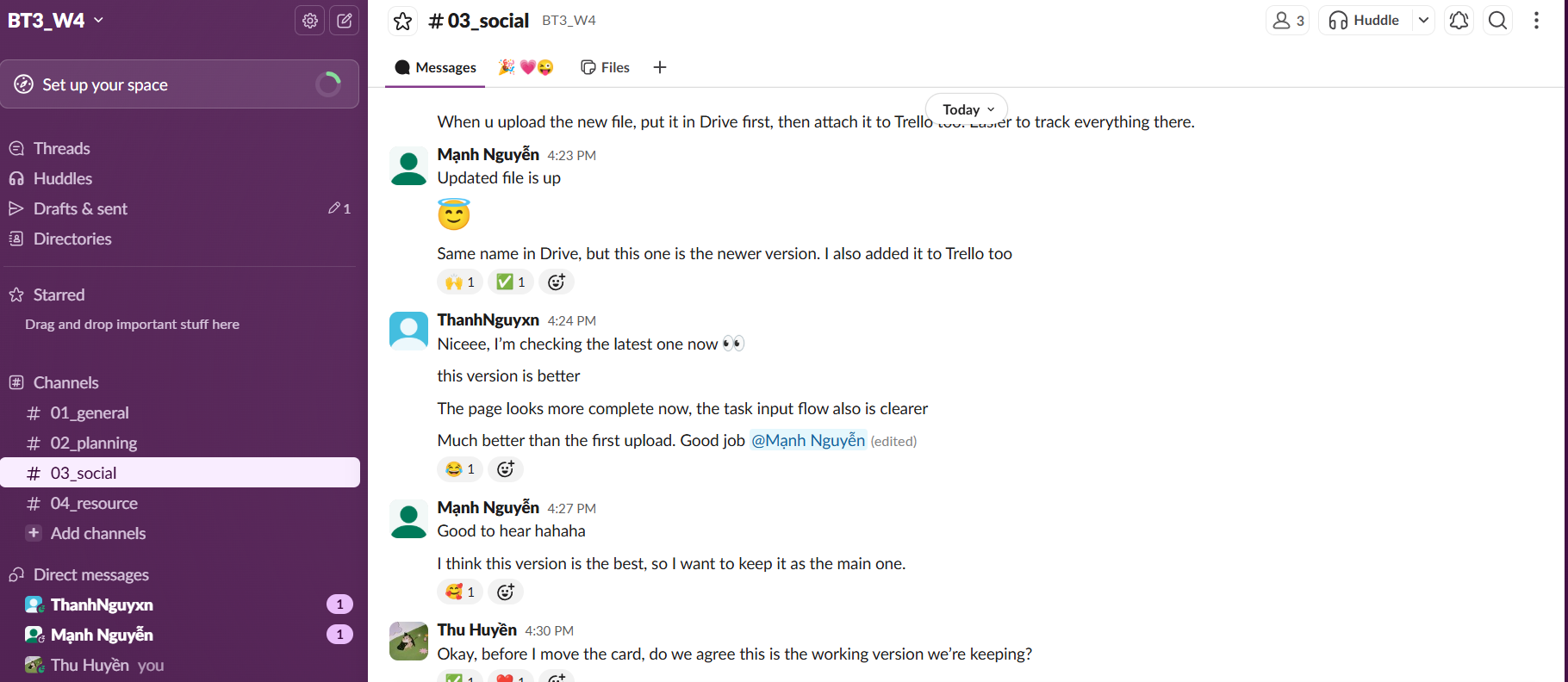
Mแบกnh uploaded the first basic version of index.html to Google Drive. The file was attached to Trello and shared in Slack.
My contribution: Updated Trello cards, verified the shared document reflected this milestone, followed up via Slack.
Thร nh tested the basic version and provided feedback. We recognized it as an early milestone that needed improvement.
My contribution: Checked Trello and Drive for updates, recorded the review status in our shared documentation.
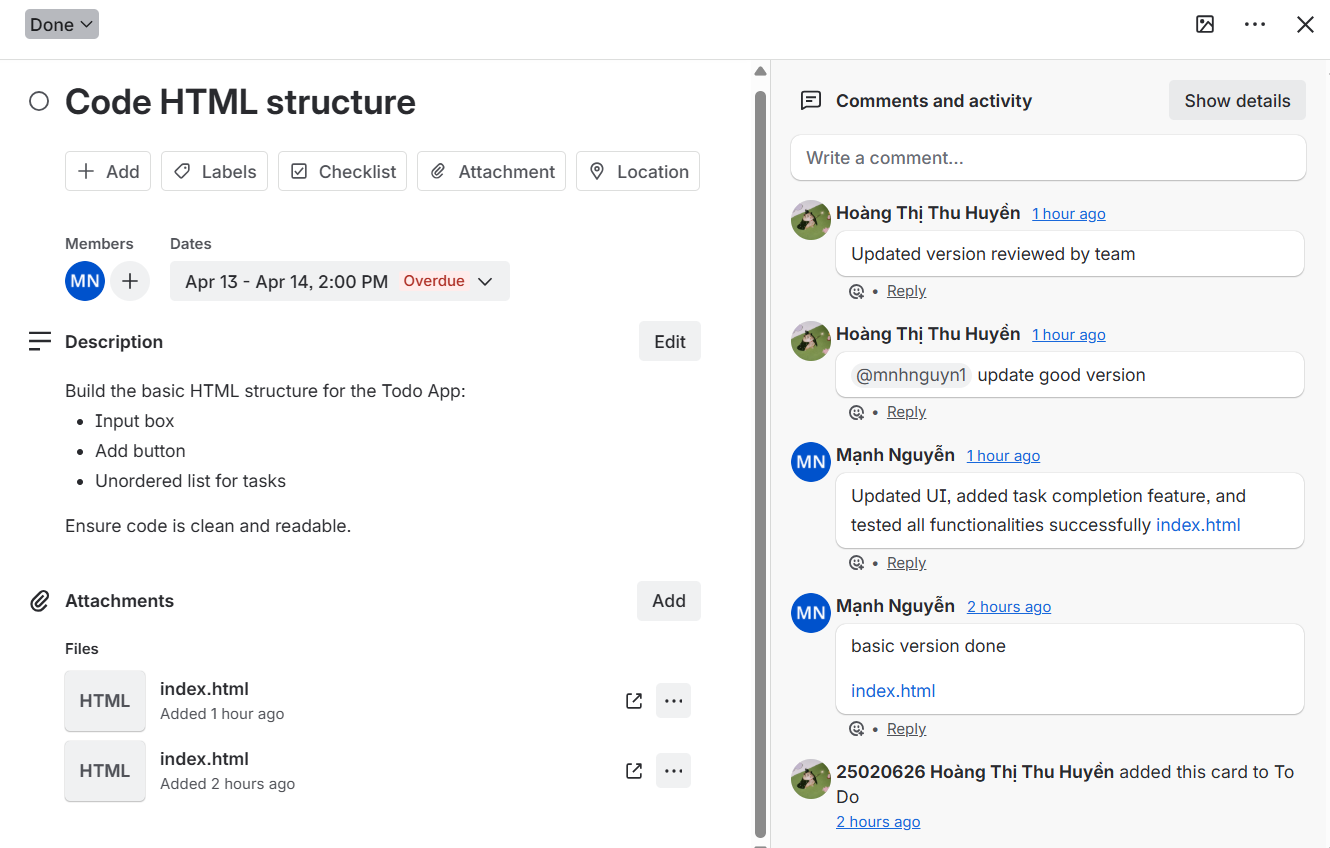
Mแบกnh improved the HTML file and uploaded a new version with better functionality and design. This became our main working version.
My contribution: Updated all documentation to reflect the new version, synced Trello status, and followed the update across all tools.
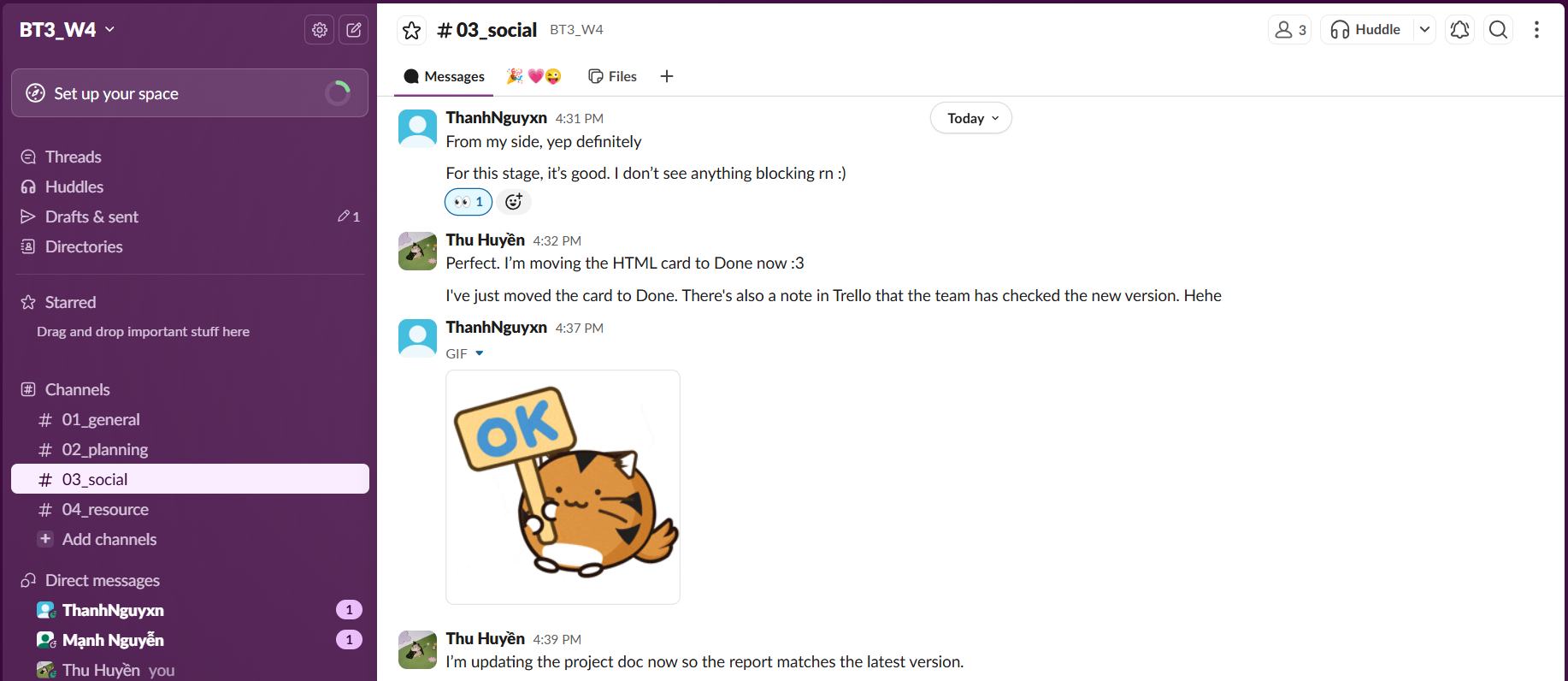
Thร nh tested the updated version and confirmed it looked better and more complete. The team agreed to keep this version.
My contribution: Updated task status on Trello, prepared to finalize documentation with the confirmed progress.
Final review of all files, documentation, and project materials. Ensured everything was consistent and properly organized.
My contribution: Completed the final documentation, verified file consistency across Drive, and ensured the project was presentation-ready.
Screenshots and visual documentation. Click on any image to view larger.


Access our project resources and documentation.
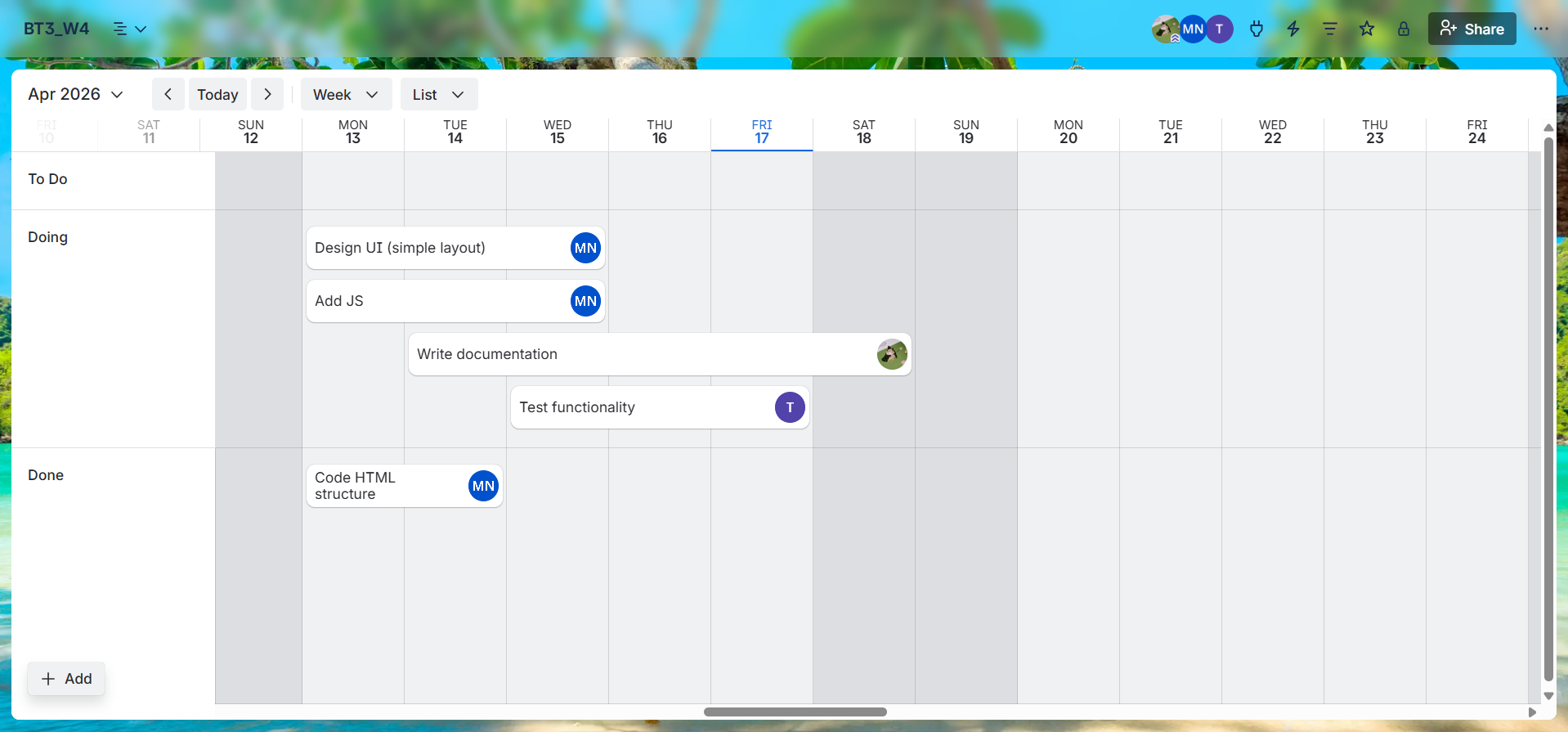
View our complete Trello board with all tasks, progress tracking, and project organization.
View Trello Board โAccess our shared Google Drive folder containing all project files, documentation, and deliverables.
View Google Drive โSmall challenges I encountered and the solutions I found.
Managing progress across multiple tools (Trello, Google Docs, Drive, Slack) sometimes led to version confusion.
Recording the process while actively coordinating was challenging. It was easy to fall behind on documentation.
Ensuring files were properly named, stored in the right folders, and accessible to all teammates required constant attention.
With communication happening on Slack, it was important to stay active and not miss important notifications.
Personal insights and growth from this collaborative experience.
This project taught me that effective collaboration goes beyond just having the right tools โ it requires consistent effort to use them well. As the coordinator, I learned that my role, while less visible than coding, was essential to keeping the team aligned and the project organized.
I gained practical experience in digital workflow management, learning how to create systems that reduce confusion and increase productivity. The habit of documenting as I went, rather than at the end, became one of my most valuable takeaways.
Working with Trello, Google Docs, Google Drive, and Slack showed me how each tool serves a unique purpose in team collaboration. Trello kept us focused on tasks, Docs kept our records clear, Drive kept our files organized, and Slack kept us connected.
Most importantly, I learned that coordination and documentation skills are just as valuable as technical skills in any team setting. Being the person who holds the team together โ who tracks progress, maintains clarity, and ensures consistency โ is a meaningful and essential contribution.

Trello Board โ Project task organization